
SAP Data Warehouse Cloud Integration with Google BigQuery: Unlocking Unified Analytics & Real-Time Insights
This blog explains how enterprises can integrate SAP Data Warehouse Cloud (DWC) with Google BigQuery to unify analytics, optimize performance, and enable real-time insights. It covers architecture, step-by-step integration, industry use cases, and best practices for secure, scalable data management.

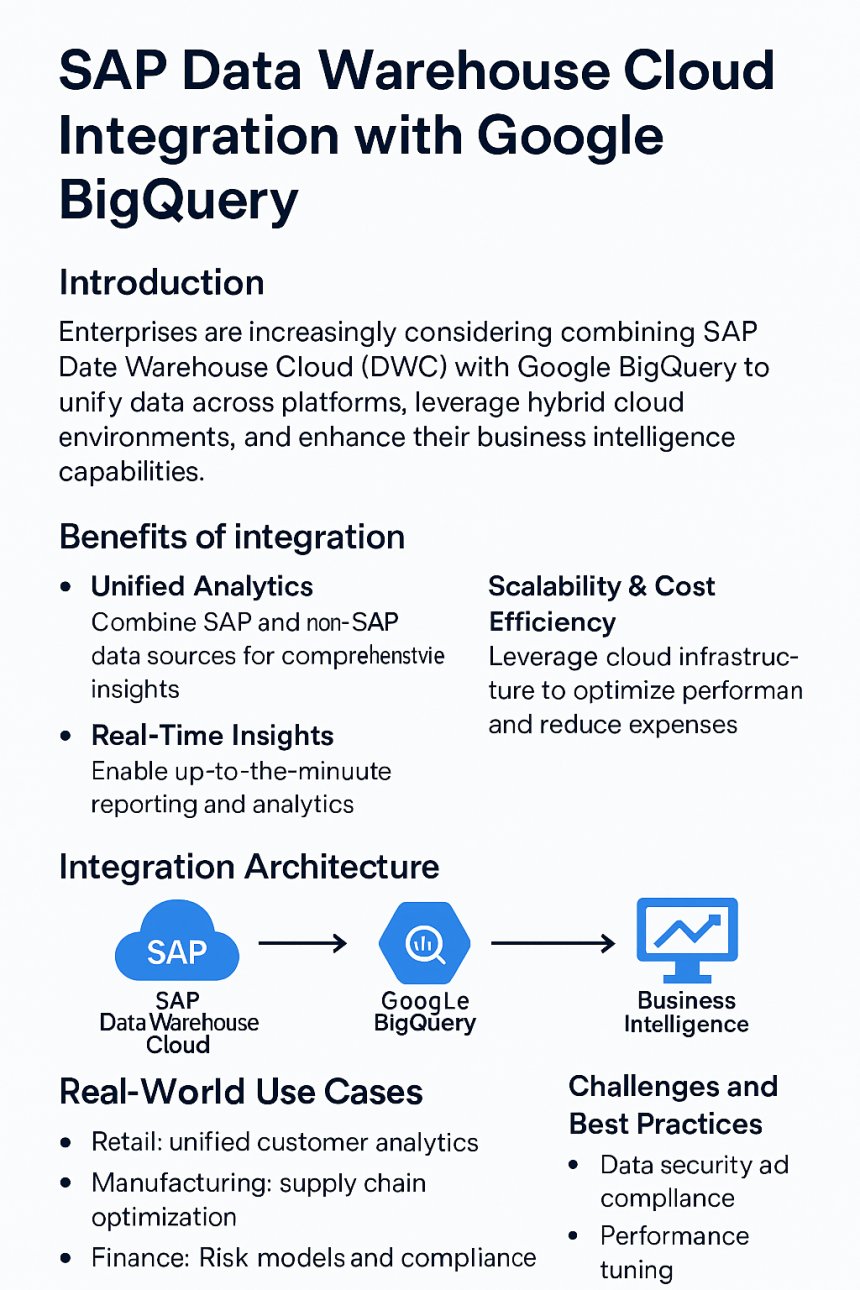
Enterprises are increasingly considering combining SAP Data Warehouse Cloud (DWC) with Google BigQuery to unify data across platforms, leverage hybrid cloud environments, and enhance their business intelligence capabilities. This integration enables organizations to break down data silos and unlock real-time insights from both SAP and non-SAP sources.
Benefits of Integration
-
Unified Analytics: Combine SAP and non-SAP data sources for comprehensive insights.
-
Real-Time Insights: Enable up-to-the-minute reporting and analytics.
-
Scalability & Cost Efficiency: Leverage cloud infrastructure to optimize performance and reduce expenses.
Integration Architecture
The integration typically involves a data flow from SAP Data Warehouse Cloud to Google BigQuery, followed by visualization through business intelligence tools. Key components include:
-
SAP DWC as the source system
-
Google BigQuery as the target data warehouse
-
BI tools such as Tableau, Power BI, or Looker for reporting
Step-by-Step Integration Guide
-
Setting up connectivity between services
-
Use SAP-provided connectors or third-party ETL tools.
-
-
Configuring authentication and permissions
-
Ensure secure access using OAuth or service accounts.
-
-
Designing data models and transformations
-
Align schema and data formats for compatibility.
-
-
Testing and validating the integration
-
Run sample queries and validate data accuracy.
-
Use Cases
-
Retail: Unified customer analytics across SAP CRM and external marketing platforms.
-
Manufacturing: Real-time supply chain monitoring and predictive maintenance.
-
Finance: Risk analysis and compliance reporting using integrated financial data.
Challenges & Best Practices
-
Data Security: Implement encryption and access controls.
-
Performance Tuning: Optimize queries and data partitioning.
-
Monitoring: Use logging and alerting to track data flow and errors.
Conclusion
Integrating SAP Data Warehouse Cloud with Google BigQuery empowers organizations to harness the full potential of their data. By enabling unified analytics, real-time insights, and scalable infrastructure, this integration supports smarter decision-making and digital transformation.
Explore Applicius Technologies’ expertise in SAP and BigQuery integration to accelerate your enterprise data strategy.
Share
What's Your Reaction?
 Like
0
Like
0
 Dislike
0
Dislike
0
 Love
0
Love
0
 Funny
0
Funny
0
 Angry
0
Angry
0
 Sad
0
Sad
0
 Wow
0
Wow
0